Difference between revisions of "Enterprise Web Server/Setup"
From DS Help
Paulo Santos (Talk | contribs) (Created page with "Enterprise Web Server installation looks like any other software installation. Double click the setup executable and start the wizard. link= [[File:Ews...") |
Paulo Santos (Talk | contribs) |
||
| Line 1: | Line 1: | ||
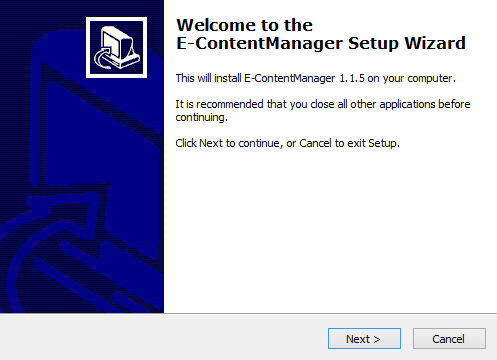
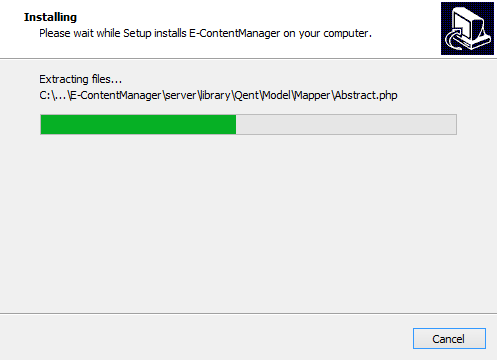
Enterprise Web Server installation looks like any other software installation. Double click the setup executable and start the wizard. | Enterprise Web Server installation looks like any other software installation. Double click the setup executable and start the wizard. | ||
| − | [[File:Ews_inst1.png|link=]] | + | [[File:Ews_inst1.png|thumb|497px|none|link=]] |
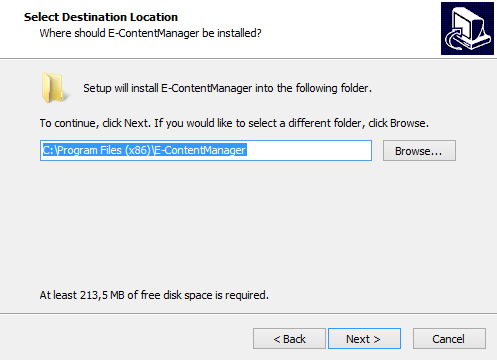
| − | [[File:Ews_inst2.png|link=]] | + | [[File:Ews_inst2.png|thumb|497px|none|link=]] |
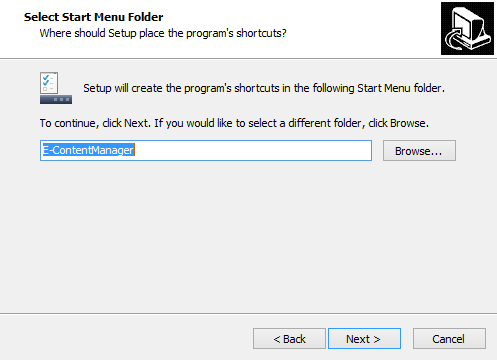
| − | [[File:Ews_inst3.png|link=]] | + | [[File:Ews_inst3.png|thumb|497px|none|link=]] |
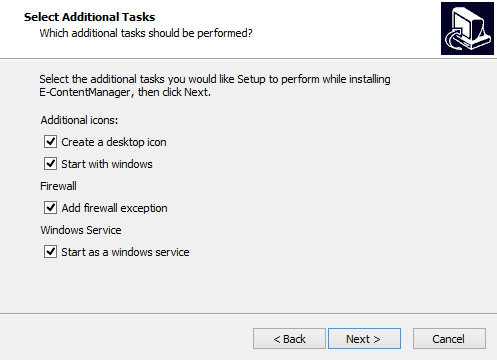
| − | [[File:Ews_inst4.png|link=]] | + | [[File:Ews_inst4.png|thumb|497px|none|link=]] |
| − | [[File:Ews_inst5.png|link=]] | + | [[File:Ews_inst5.png|thumb|497px|none|link=]] |
Revision as of 12:16, 14 February 2013
Enterprise Web Server installation looks like any other software installation. Double click the setup executable and start the wizard.